
When I filmed my very first vlog, I used only my iPhone 14 Pro Max, and honestly, it worked. You can totally create an entire vlog series using just your smartphone. But pretty quickly, I noticed the limits, especially when it comes to image quality, rendering, effects and smooth transitions.
That’s when I realized that if I wanted to create engaging content, it was time to step things up just a bit, without going overboard on gear.
What camera should I use for Vlogging?
You don’t need a huge setup or a film degree. What matters most is that your camera is easy to use, gives you good quality, and fits your style.
Here are a few solid options I looked into:
- GoPro Hero
Awesome for action shots, POV videos, and super compact setups. But it’s not always the best for talking to the camera or capturing clear audio without extra gear.
- Insta360 X3
If you want creative freedom, this camera is wild. You can capture everything around you, choose your angle later, and even “fake” drone shots using the invisible selfie stick. Great for transitions and cinematic shots.
But after trying a few things and watching what other vloggers are using too, I finally stuck with DJI Osmo Pocket 3, especially the creative combo they offer.
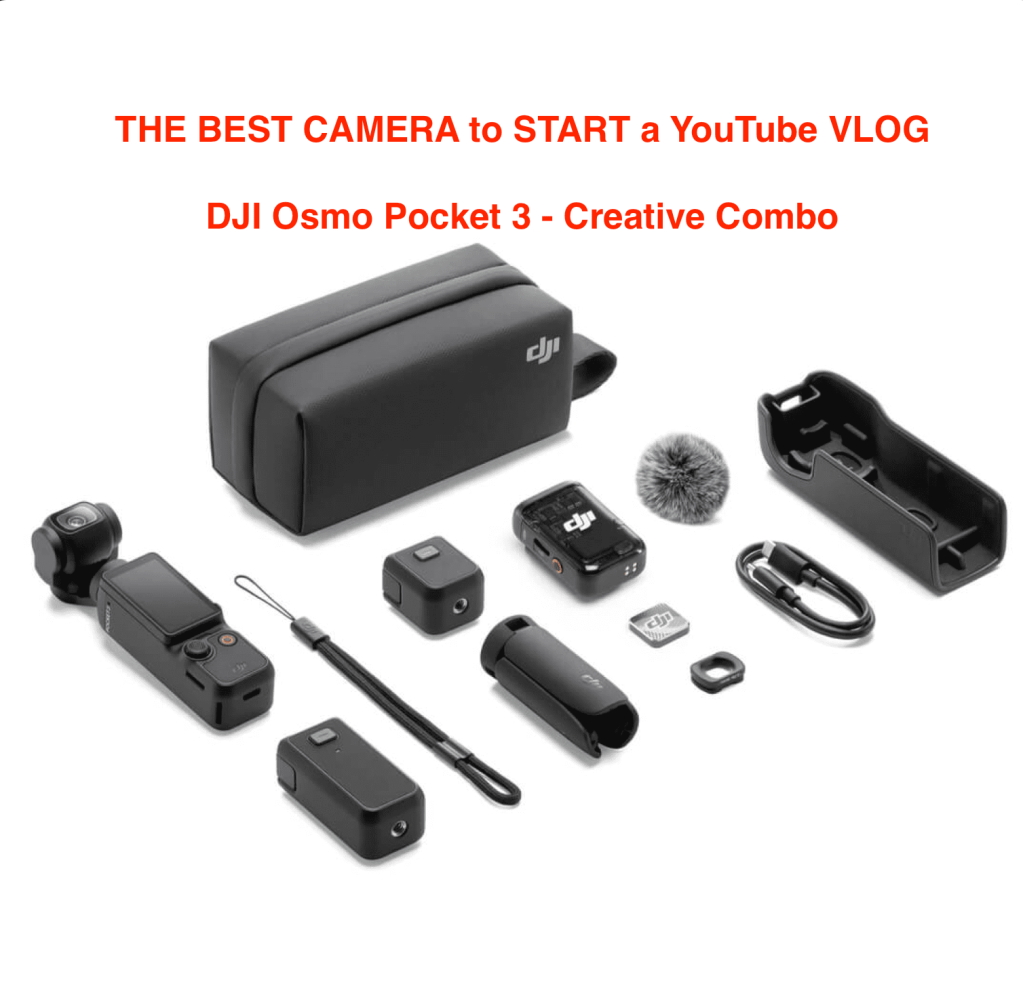
It’s a tiny gimbal camera, which means your shots are smooth even if you’re walking around. It’s super versatile, has lots of cool feature, and you can attach a bunch of handy gadgets, including a wide-angle lens, which is perfect for selfie-style vlogs. The Pocket 3 strikes that sweet spot: it’s compact, powerful, and makes your footage look way more polished without needing a full production setup.
Personally i have attached the long stick from Insta360 X3 to DJI Osmo Pocket 3 and filmed from inside a cable car in the Carpathian Mountains in Romania (Babele si Sfinxul din Bucegi)
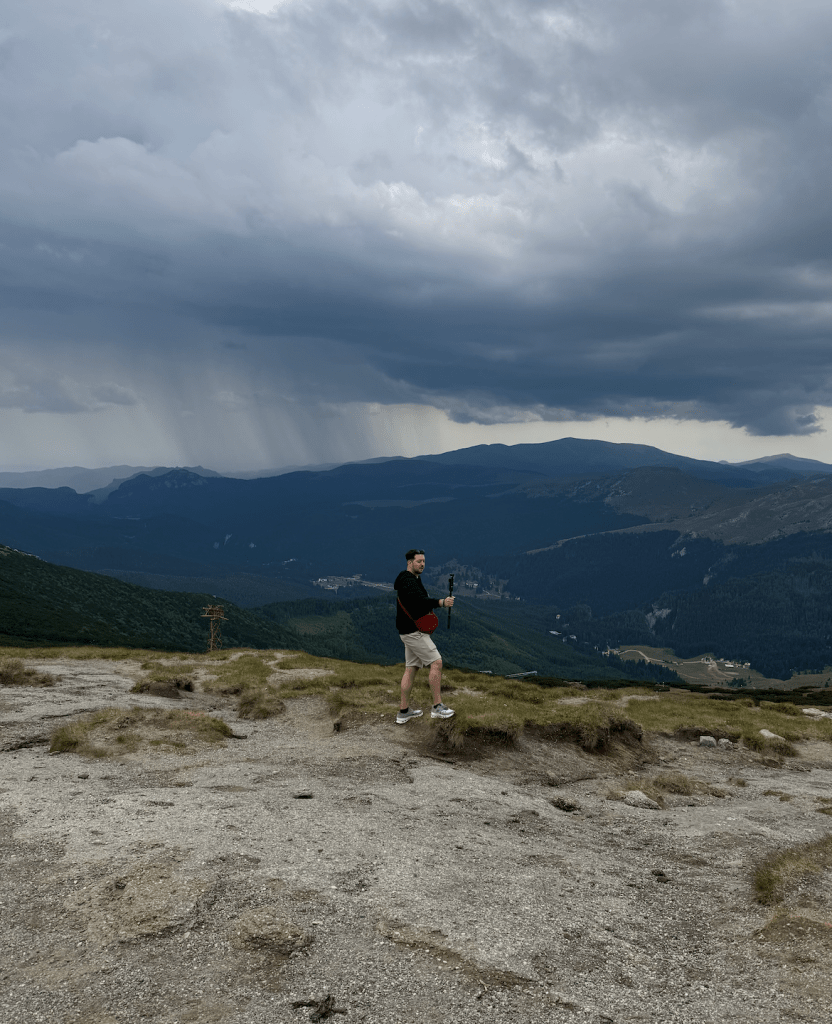
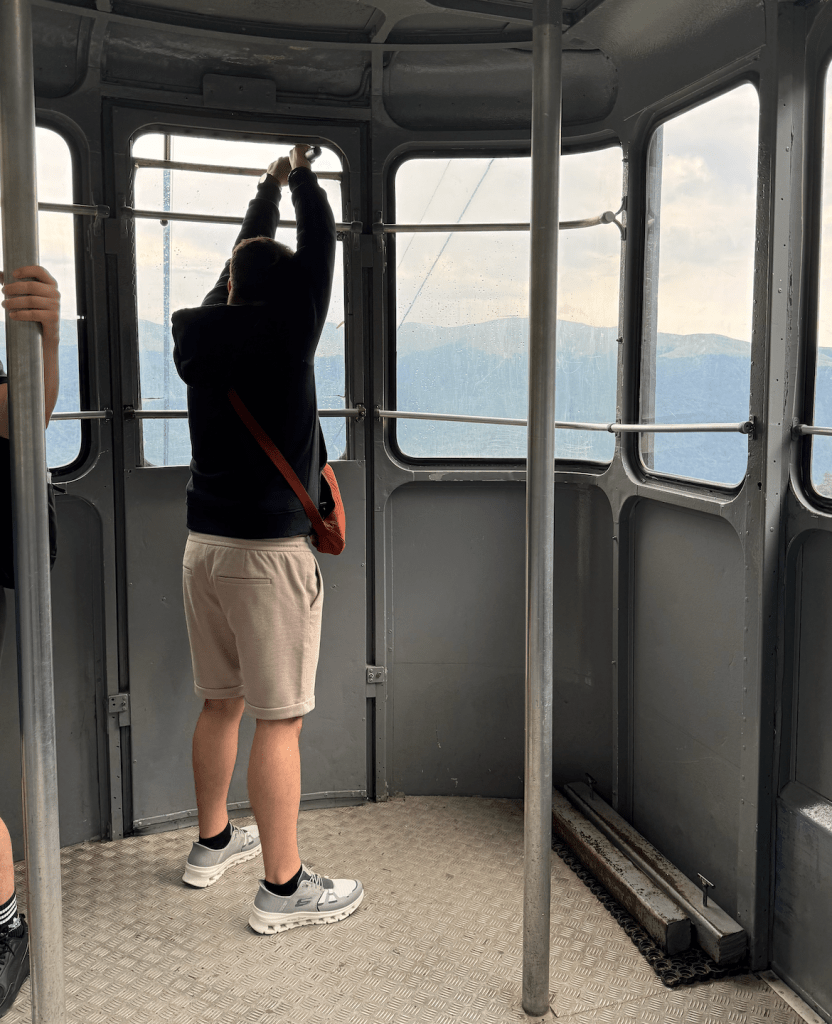
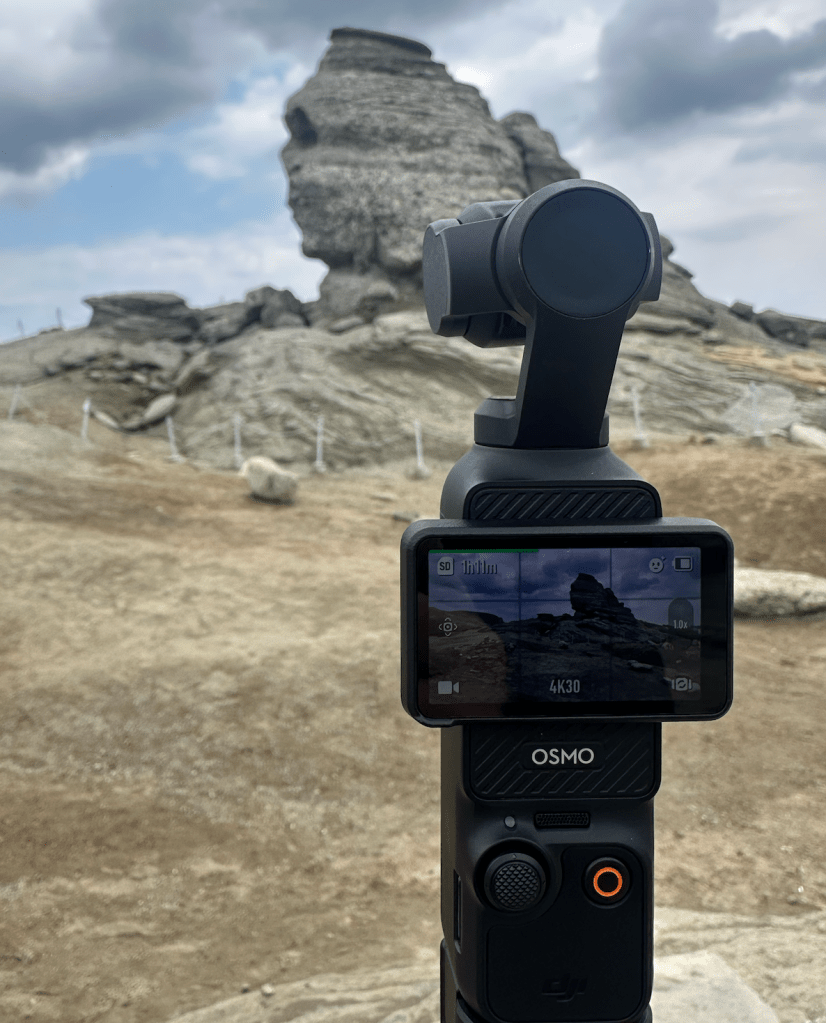
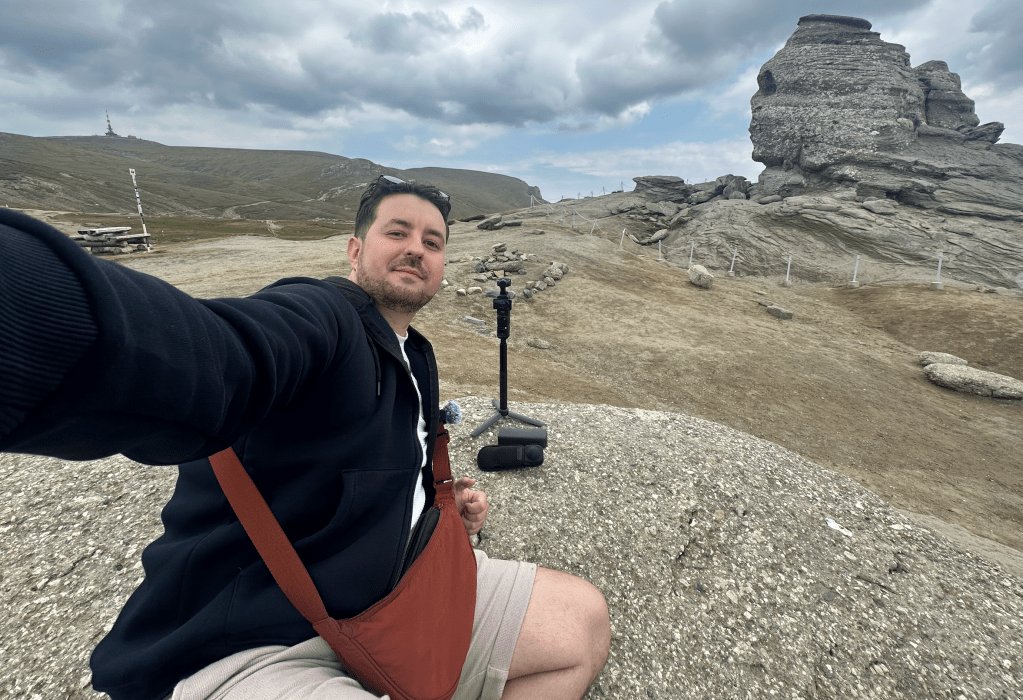
And here is the video from that day:
Editing Tip: Upgrade to CapCut Pro for 4K Renders
I started out with the free version of CapCut, and it’s great for learning the ropes. But if you want to export in 4K, and unlock more control your effects and transitions, I really suggest upgrading to CapCut Pro. Otherwise even if you are using your iPhone which can record 4K, you will not be able to render it into 4K quality.
It’s super affordable, and the upgrade makes your final videos look way more polished
Final Thoughts
You don’t need a whole studio setup or thousand of dollars in gear. A small, powerful camera like the Dji Osmo Pocket 3, paired with the Insta360 X3 for creative shots, can take your vlogs to the next level, even if you’re just starting out.
And don’t forget to subscribe to our Youtube Channel.
https://www.youtube.com/@romaniannoypi

More gear tips and editing hacks coming in the next post. Until then, take care and happy vlogging.
 Romanian Noypi
Leave a comment